












Why LED Bulbs Flicker on Dimmers: Fixes That Work
Table of Contents
- Why LED Bulbs Flicker on Dimmers
- LED Dimmer Switch Compatibility: What You Need to Know
- Dimmable LED Bulbs Flickering at Low Brightness: Common Causes
- How to Stop LED Bulbs Flickering: Step-by-Step Troubleshooting
- Understanding LED Dimmer Minimum Load Requirements
- When to Call an Electrician
- Conclusion
- Frequently Asked Questions
Last Updated: October 11, 2026
Why LED Bulbs Flicker on Dimmers
LED bulbs flicker on dimmers because of incompatibility between older dimmer switches and modern LED technology. Unlike traditional halogen or incandescent bulbs, LEDs require specific electrical conditions to work smoothly with dimming circuits.
The good news is that flickering LEDs are almost always fixable.
Most flickering can be eliminated by matching the right dimmer to the right bulb, or by upgrading to a modern LED-compatible dimmer switch. Let’s walk through what causes the flicker, why it happens, and exactly how to fix it.

The core problem: dimmer and LED incompatibility
Traditional dimmers were designed to work with incandescent bulbs, which tolerate many electrical inputs. LEDs are far more sensitive.
When a dimmer cuts the power supply to reduce brightness, it creates rapid on-off cycles that the LED driver struggles to handle. If the dimmer isn’t specifically designed for LEDs, the driver can’t regulate the voltage properly.
This incompatibility is one of the most common reasons customers buy dimmable LED bulbs only to find that LED bulbs flicker on dimmers when dimmed. The bulbs themselves are fine. The dimmer just wasn’t made for them.
Leading-edge versus trailing-edge dimmers
Not all dimmers work the same way. There are two main types, and this distinction matters hugely for LED performance.
Leading-edge dimmers (also called forward-phase or TRIAC dimmers) cut power from the start of the electrical cycle. They’re the older standard, found in most homes built before 2010.
Trailing-edge dimmers (also called reverse-phase or electronic dimmers) cut power from the end of the cycle. These are newer and far better suited to LEDs. They provide smoother dimming and are less likely to cause flicker.
The problem is that many homes still have leading-edge dimmers installed. If you’ve got older wiring or fixtures, your dimmer probably falls into this category.
LED Dimmer Switch Compatibility: What You Need to Know
An LED dimmer switch must be specifically rated for LED loads to work reliably.
Look for these key specs when choosing an LED dimmer:
- Minimum load rating: The lowest wattage the dimmer can handle. Most LED dimmers have a minimum load of 10W. If your total LED wattage falls below this, the dimmer won’t work properly.
- Maximum LED load: How many watts or bulbs the dimmer can control. A typical dimmer handles up to 300W or around 30 dimmable LED bulbs.
- Type: Trailing-edge (electronic) dimmers are best for LEDs. Leading-edge dimmers are older and less reliable with LEDs.
- Soft-start technology: Some dimmers include this feature, which ramps up brightness gradually when you first turn the lights on. This extends bulb life and creates a pleasant effect.
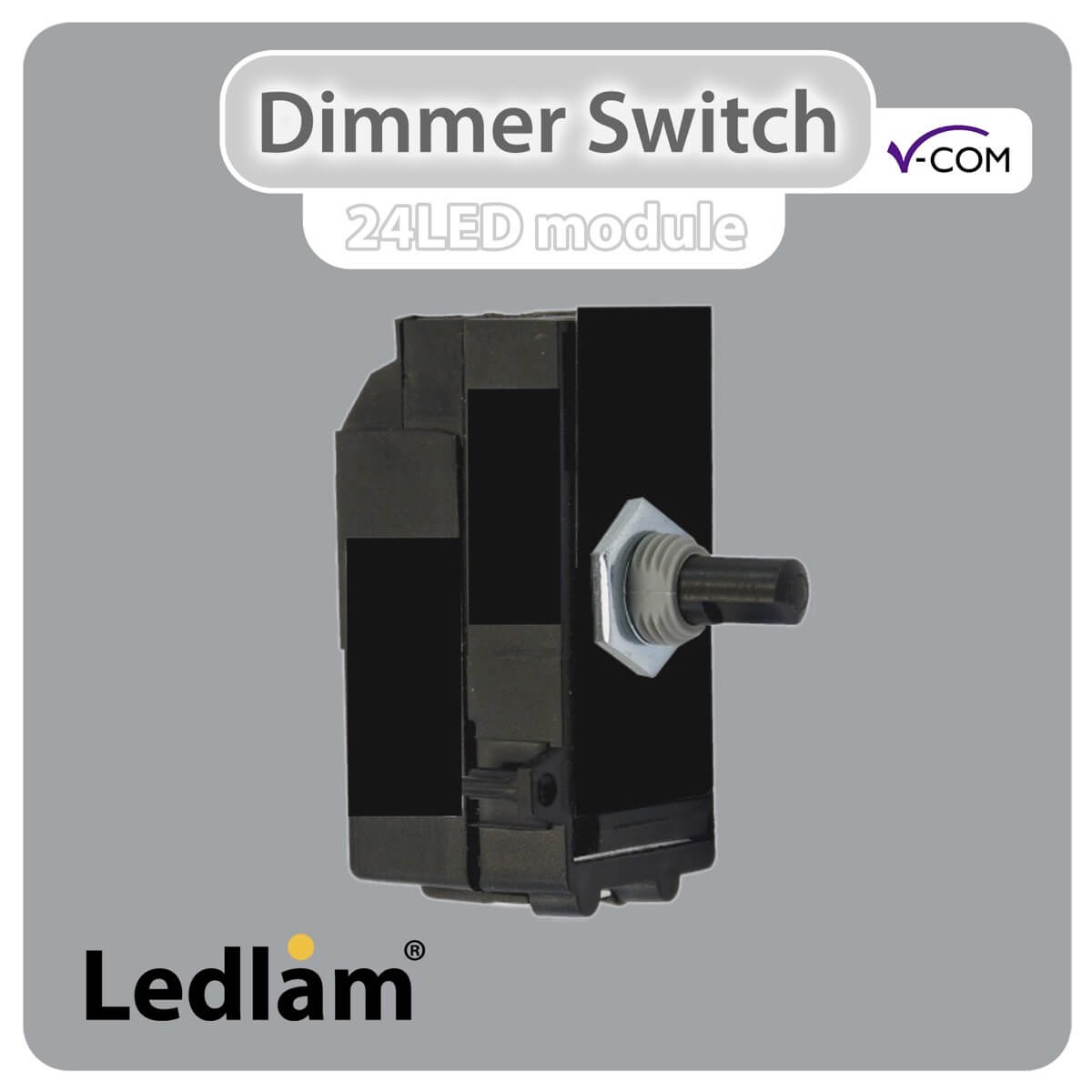
The V-Pro Dimmer Switch from Ledlam is a good example of an LED-compatible dimmer. It handles 10-300W of LED load, includes adjustable minimum load settings so you can fine-tune the dimming range, and uses soft-start technology to protect your bulbs.
If you need something more compact or budget-friendly, the V-Com LED Dimmer module is available at £14.98 and handles up to 180W or 24 LEDs. It uses the same smart technology but in a smaller form factor.
Dimmable LED Bulbs Flickering at Low Brightness: Common Causes
When your LED bulbs only flicker at very low brightness levels, the issue is usually related to minimum load or driver quality. This is one of the most common complaints, and it’s almost always solvable.
Minimum load requirements
Every dimmer has a minimum load, the absolute lowest wattage it needs to operate properly. If your total LED load falls below this threshold, the dimmer can’t regulate the voltage and the lights flicker.
Here’s why this happens: dimmers work by controlling how much power reaches your bulbs. If you’re only running one or two low-wattage LEDs, the total power draw might be just 5W or 8W.
The fix is either to add more lights to the circuit (so total wattage exceeds the minimum) or to switch to a dimmer with a lower minimum load rating. Some modern dimmers, like the V-Pro, allow you to adjust the minimum load level manually.
Poor quality LED drivers
The electronic driver inside an LED bulb is responsible for converting mains electricity into the right voltage for the LED chip. Cheap drivers are poorly regulated and struggle with the rapid voltage changes a dimmer creates. The result is visible flicker, especially at low brightness.
Quality matters here. Budget LED bulbs often use basic drivers that work fine at full brightness but flicker when dimmed. Premium dimmable LEDs use better-regulated drivers that handle dimming smoothly across the full range.
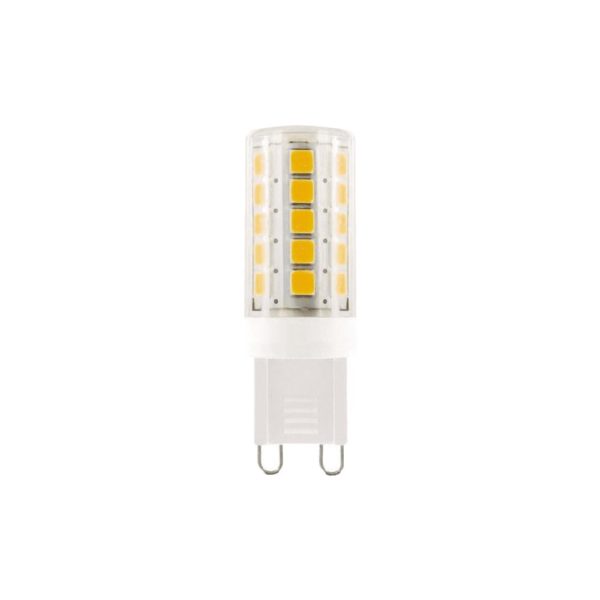
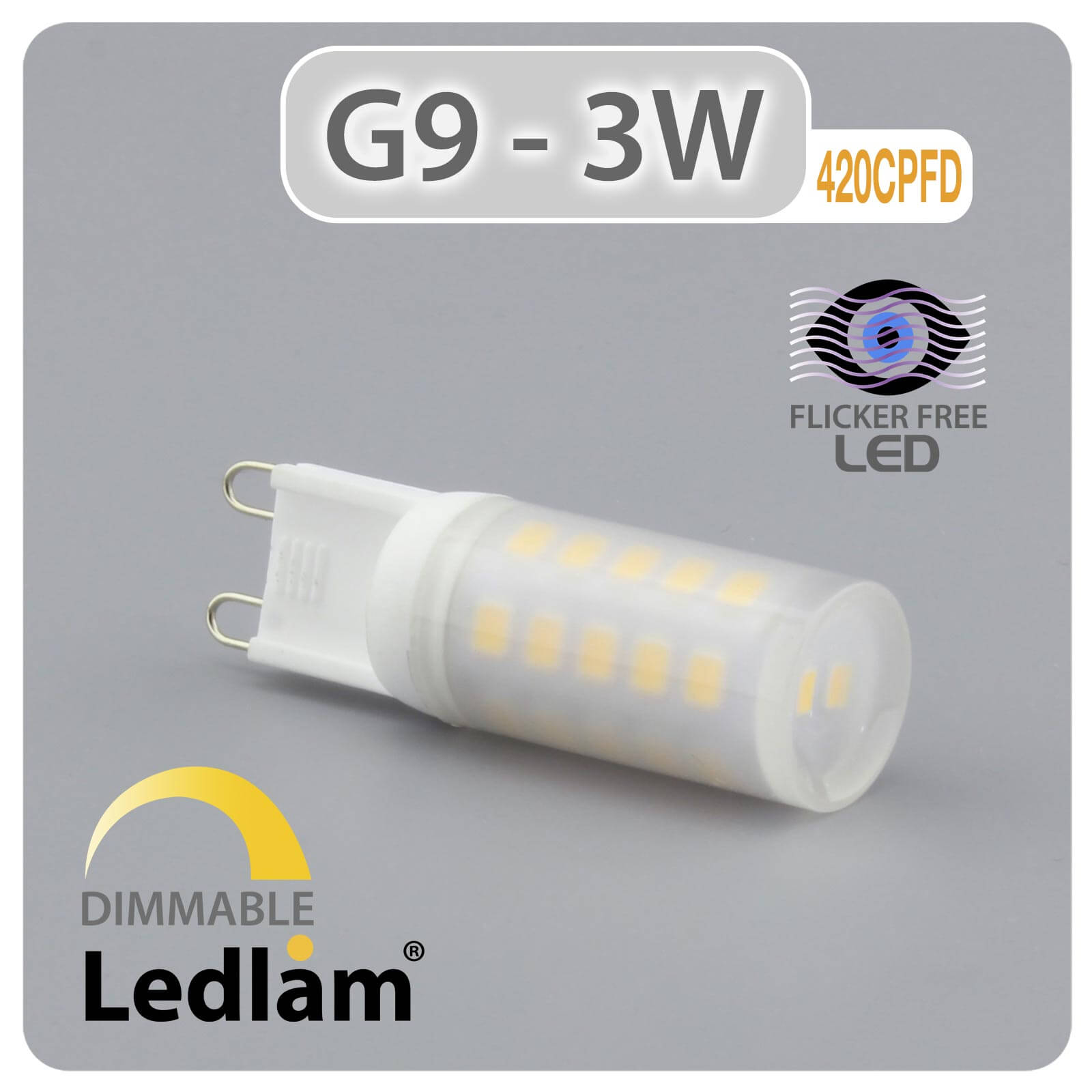
When you’re buying dimmable LEDs, look for bulbs marked as “flicker-free” or from reputable manufacturers. The Ledlam range includes dimmable options like the GU10 LED Spot Light 5W (£5.99) and the G9 LED Capsule Bulb 3W (£3.99), both of which are dimmable with LED-compatible dimmer switches.
Wiring issues and loose connections
Loose connections in your wiring or dimmer switch can cause erratic voltage delivery. If the connection is intermittent, the LED driver receives inconsistent power, and the bulb flickers.
Check that your dimmer switch is properly seated in the wall box and all terminal connections are tight. If you’re comfortable doing so, turn off the circuit at the breaker and visually inspect the wiring. Loose terminal screws are easy to spot and tighten. If you’re not confident working with electrics, call a qualified electrician to check the installation.
How to Stop LED Bulbs Flickering: Step-by-Step Troubleshooting
Follow these steps in order. Most flickering issues are solved by step 3 or 4.
V-Pro Dimmer Switch Push on-off 1 Gang 10-300W max 30 LEDs – White →
Step 1: Check if your bulbs are dimmable
Not all LED bulbs are dimmable. Many standard LED bulbs are designed for full-brightness use only. If you’re trying to dim a non-dimmable LED, it will flicker or not dim at all.
Look at the bulb packaging or the product page. It should explicitly say “dimmable” if the bulb is designed to work with dimmer switches. If the packaging doesn’t mention dimmability, assume the bulb isn’t dimmable and replace it with one that is.
Step 2: Verify your dimmer type
Identify whether your dimmer is leading-edge or trailing-edge. The easiest way is to check the product label on the dimmer itself or look up the model number online.
If you can’t find the label, ask yourself: is the dimmer old (10+ years) or new? Older dimmers are usually leading-edge. If it’s a basic rotary or sliding dimmer with no electronic features, it’s almost certainly leading-edge and not ideal for LEDs.
If your dimmer is leading-edge and causing flicker, upgrading to a trailing-edge LED dimmer will likely solve the problem.
Step 3: Test the minimum load
Add up the wattage of all the bulbs on the dimmer circuit. If the total is below the dimmer’s minimum load rating (usually 10W), that’s your problem.
For example, if you have two 5W LED bulbs on a dimmer with a 10W minimum, you’re at exactly the threshold. The dimmer may work inconsistently. Add a third bulb or switch to a dimmer with a lower minimum load.
Step 4: Check wiring and connections
Turn off the circuit at the breaker. Carefully remove the dimmer switch from the wall box (or ask an electrician to do this). Check that all terminal connections are tight and that the wires aren’t damaged or loose.
Loose connections cause voltage fluctuations that LED drivers can’t handle. Tighten any loose terminal screws and ensure the dimmer is fully seated in the wall box.
Step 5: Replace the dimmer if needed
If you’ve confirmed your bulbs are dimmable, the minimum load is adequate, and wiring is secure, your dimmer itself may be the problem. Older leading-edge dimmers simply aren’t designed for LEDs.
Replacing the dimmer is straightforward if you’re comfortable with basic electrical work. Turn off the circuit, disconnect the old dimmer, and install a new LED-compatible trailing-edge dimmer following the manufacturer’s instructions.
If you’re unsure about any step, stop and call a qualified electrician. Electrical work can be dangerous if done incorrectly.
Understanding LED Dimmer Minimum Load Requirements
The minimum load is the lowest total wattage a dimmer can safely control. It exists because dimmers need a certain amount of electrical load to regulate voltage properly. Without enough load, the dimmer can’t function as intended.
Typical minimum loads are 10W for most modern LED dimmers, though some go as low as 5W. Maximum loads are usually 180W to 300W, depending on the dimmer.
If you’re running very few bulbs, say, one or two 5W LEDs, you might be below the minimum. The solution is either to add more lights to the circuit or to choose a dimmer with a lower minimum load rating.
Pro Tip
If you’re retrofitting an older light fitting with just one or two LEDs, check the dimmer’s minimum load spec before buying. A mismatch here is a common cause of flickering that catches people by surprise.
If you’re retrofitting an older light fitting with just one or two LEDs, check the dimmer’s minimum load spec before buying. A mismatch here is a common cause of flickering that catches people by surprise.
When to Call an Electrician
Stop troubleshooting and call a qualified electrician if:
- You’re not confident turning off the circuit or inspecting wiring
- The flicker persists after replacing the dimmer and bulbs with LED-compatible versions
- You notice any signs of overheating, burning smells, or visible damage to the dimmer or wiring
- The dimmer is part of a complex multi-way switching setup
- Your home has very old wiring or a non-standard electrical installation
A qualified electrician can diagnose issues that aren’t obvious and ensure any work is done safely and to current Building Regulations standards. It’s worth the cost if you’re unsure.
Conclusion
LED bulb flickering on dimmers is usually caused by incompatibility between older dimmer switches and modern LED technology. The fix is almost always one of these: upgrade to an LED-compatible dimmer, replace non-dimmable bulbs with dimmable ones, or adjust the load on your circuit.
Start with the troubleshooting steps above. If you need a new dimmer, the Ledlam range includes trailing-edge LED dimmers like the V-Pro and V-Com models, both designed to work smoothly with dimmable LEDs. Pair them with quality dimmable bulbs, and you’ll have reliable, flicker-free dimming. Check out our LED offers today and find the right dimmer and bulbs for your home.
Frequently Asked Questions
Why do LED bulbs flicker when I dim them?
LED bulbs flicker on dimmers primarily because of incompatibility between the dimmer switch and the LED driver circuit inside the bulb. Traditional dimmers were designed for incandescent bulbs, which handle dimming differently than LEDs. If your dimmer is a leading-edge type (older standard), it may not work well with most LEDs. Additionally, if you’re dimming too many or too few bulbs, the dimmer may not operate within its safe load range, causing flickering. Using dimmable LED bulbs with a trailing-edge dimmer designed for LEDs typically eliminates the problem.
Can I use any LED bulb with a dimmer switch?
No. Only bulbs marked as dimmable will work properly with dimmer switches. Standard (non-dimmable) LED bulbs are not designed to handle the signal a dimmer sends, and attempting to dim them causes flickering or the bulb to cut out entirely. When shopping for dimmable LEDs, check the product specifications or packaging. Ledlam’s dimmable LED bulbs, such as the GU10 LED Spot Light 5W 620SPD, are specifically engineered to work with LED-compatible dimmer switches and deliver flicker-free dimming.
What’s the difference between leading-edge and trailing-edge dimmers?
Leading-edge dimmers (older, traditional switches) cut power at the start of the electrical wave and work well with incandescent bulbs but often cause LED flicker. Trailing-edge dimmers cut power at the end of the wave and are designed for LEDs, providing smoother, more reliable dimming. If you have an older dimmer causing flicker, upgrading to a trailing-edge LED dimmer switch, such as Ledlam’s V-Pro or V-Com ranges, will almost certainly resolve the problem and give you better control over brightness.
What is LED dimmer minimum load, and why does it matter?
Minimum load is the lowest wattage a dimmer can safely handle. If you connect fewer bulbs than the dimmer’s minimum requirement, it may flicker or shut off. For example, Ledlam’s V-Pro Dimmer Switch has a minimum load of 10W. If you’re dimming just one 3W LED bulb, you’re below the minimum, causing flicker. To solve this, either add more bulbs to reach the minimum load, or switch to a dimmer with a lower minimum load rating designed for low-power LED installations.