












Do Smart Bulbs Work With Dimmers? A 2026 Guide
Table of Contents
- Do Smart Bulbs Work With Dimmers?
- Smart Bulb Flickering With Dimmer: What Causes It
- Smart Bulb With Normal Switch: Can You Use Them Together?
- Smart Dimmer Switch Compatibility: What You Need to Know
- Smart Bulb Dimming Without a Dimmer Switch
- Common Issues and Solutions
- Frequently Asked Questions
Last Updated: 19 October 2026
Do Smart Bulbs Work With Dimmers?
The short answer is yes, but not always smoothly. Smart bulbs work with dimmers, though the experience depends on which bulb and dimmer you’re using together. The problem usually comes down to compatibility.
Traditional incandescent bulbs and dimmers were built for each other. They work through simple electrical resistance. Smart bulbs, however, use electronic drivers and microprocessors. This mismatch can cause all sorts of headaches. The good news? With the right setup, you can enjoy smooth dimming and full control over your lighting.
Let’s walk through what actually works, what doesn’t, and how to avoid the frustration that comes with incompatible combinations.
Smart Bulb Flickering With Dimmer: What Causes It
Flickering is the most common complaint when people try to use smart bulbs with regular dimmers. The issue usually stems from one of three things: the dimmer cuts power in a way the bulb’s electronics can’t handle, the bulb’s minimum brightness setting is higher than what the dimmer can deliver, or the dimmer simply wasn’t designed for LED loads.
Old-style dimmers use a technique called phase-cutting. They interrupt the power wave to reduce brightness. Standard incandescent bulbs handle this fine because they’re just resistive heating elements. Smart bulbs have circuits inside them. When the dimmer cuts the power wave too aggressively, the bulb’s driver loses the information it needs to stay stable. The result: flickering, strobing, or the bulb cutting out entirely.
Watch Out
Not all dimmers work with smart bulbs. Using the wrong dimmer can shorten your bulb’s lifespan or damage its electronics. Always check the bulb’s specifications before pairing it with a dimmer.
Not all dimmers work with smart bulbs. Using the wrong dimmer can shorten your bulb’s lifespan or damage its electronics. Always check the bulb’s specifications before pairing it with a dimmer.
The second problem is minimum load. Many dimmers need a certain amount of power flowing through them to work properly. A single smart bulb might draw far less power than the dimmer expects. Below that threshold, the dimmer can’t regulate the voltage smoothly, and you get flickering again.
The third issue is simpler: your dimmer was never tested with LED loads. Older dimmers were made for halogen and incandescent bulbs. They use different electrical characteristics. Even if the dimmer is technically capable, it may not have been optimised for the way LEDs behave.
The solution is choosing a dimmer designed for LED or smart bulb use. Look for dimmers that explicitly state they’re compatible with LED or smart bulbs. These use different switching methods that work with the bulb’s electronics rather than against them.
Smart Bulb With Normal Switch: Can You Use Them Together?
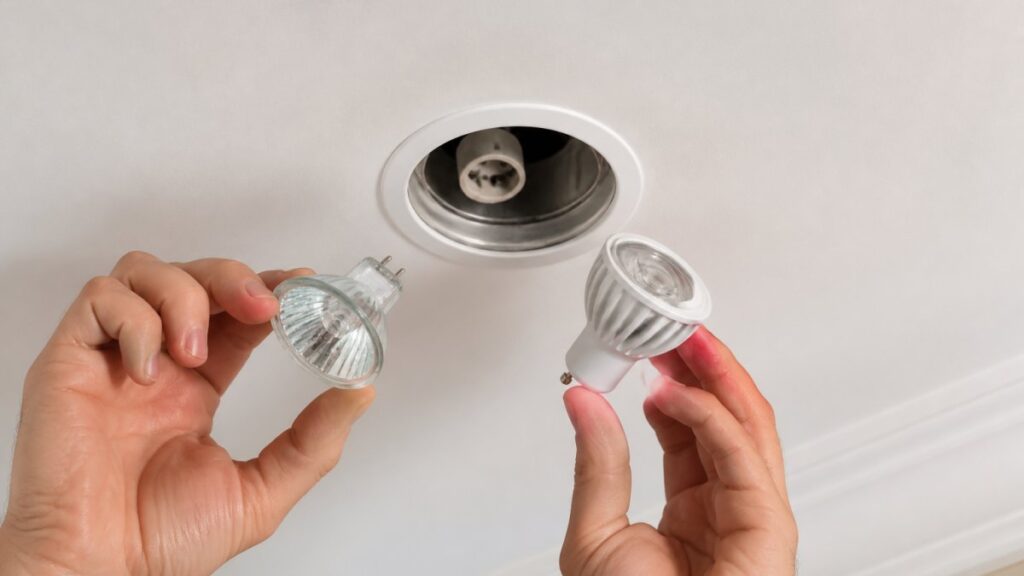
Yes, you can use a smart bulb with a normal on-off switch. The bulb will work fine, it will simply turn on and off like any other bulb. You won’t be able to dim it from the switch, but the bulb itself retains all its smart features.
Where this gets tricky is if you have a dimmer switch installed and you want to use a non-dimmable smart bulb. Many smart bulbs are not dimmable. If you put a non-dimmable smart bulb into a dimmer circuit, the bulb will either flicker, fail to turn on properly, or stop working altogether. The dimmer is trying to cut power to reduce brightness, but the bulb’s electronics can’t handle that operation.
Pro Tip
If you have existing dimmer switches and want smart bulbs, always buy dimmable smart bulbs. It’s the easiest path to compatibility. Dimmable smart bulbs work with both dimmer and normal switches.
If you have existing dimmer switches and want smart bulbs, always buy dimmable smart bulbs. It’s the easiest path to compatibility. Dimmable smart bulbs work with both dimmer and normal switches.
The safer approach is to use dimmable smart bulbs throughout your home. They’ll work with any switch type, dimmer or standard. You lose nothing by choosing dimmable, and you gain flexibility. If you later upgrade to a smart dimmer, you’re already set.
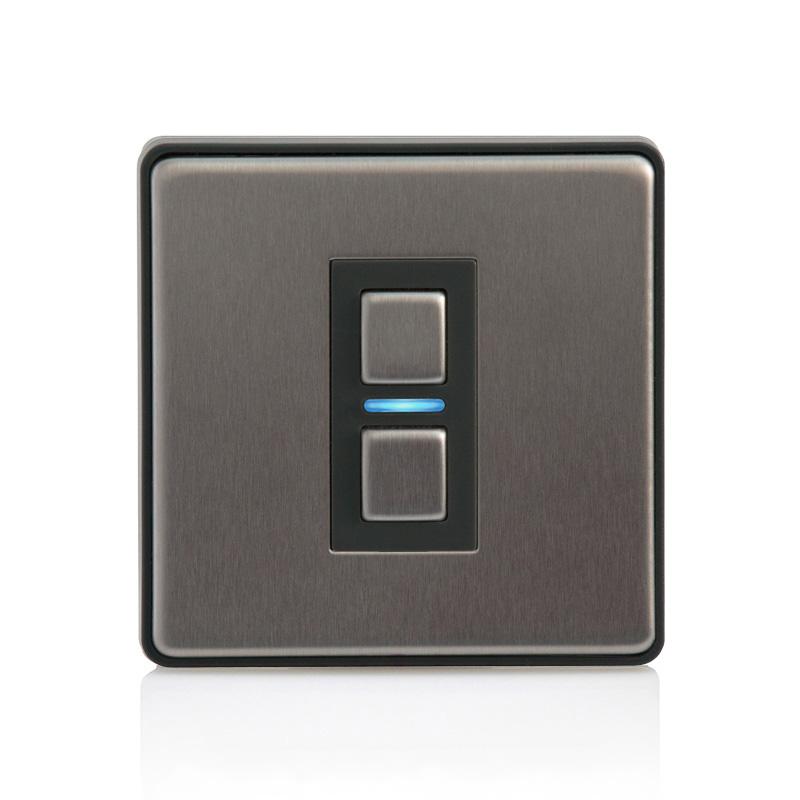
For existing installations, check what type of switch you have before buying. If it’s a regular toggle switch, any smart bulb will work. If it’s a dimmer, you need a dimmable smart bulb, and ideally one that’s been tested with that specific dimmer model.
Smart Dimmer Switch Compatibility: What You Need to Know
A smart dimmer switch is a different beast entirely. Instead of a regular dimmer controlling a regular bulb, a smart dimmer controls smart bulbs through wireless protocols or compatible circuitry. The dimmer itself is intelligent and communicates with the bulbs.
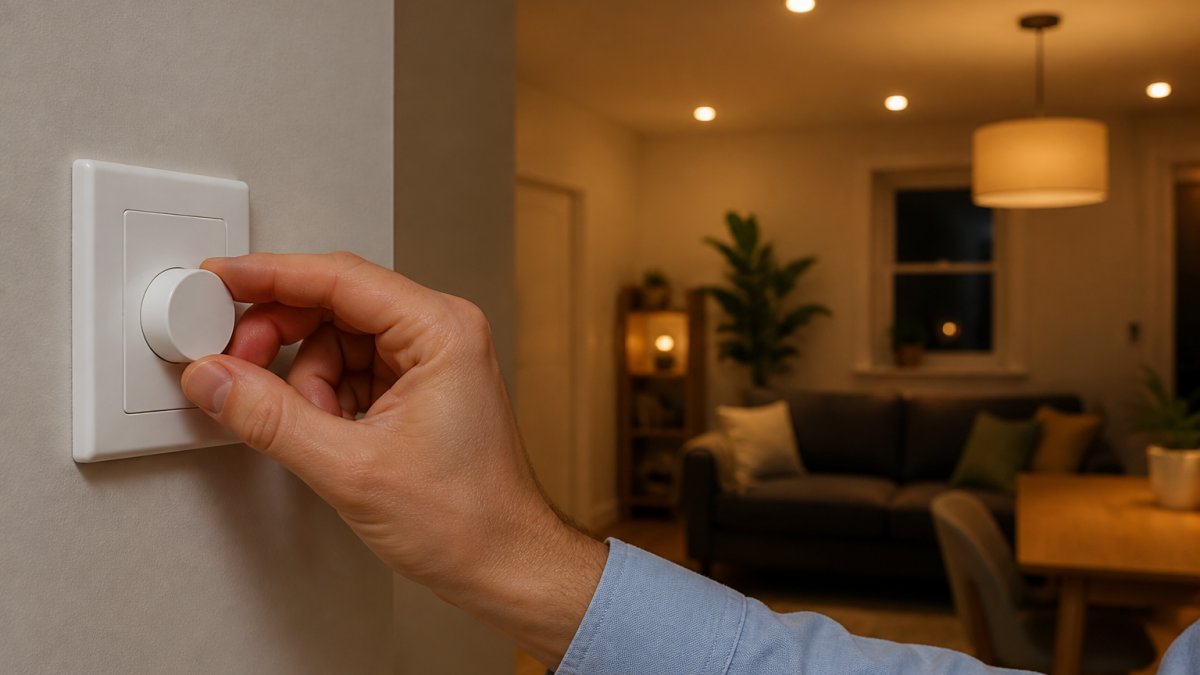
The Lightwave Smart Dimmer 1 Gang (2nd Generation Model L21) is a good example. This switch works with Apple HomeKit, Amazon Alexa, and Google Assistant. It includes built-in energy monitoring and two-way communication. The key advantage: it’s designed from the ground up to work with smart lighting systems.
Compatibility with smart dimmers depends on whether your bulbs support the same protocol or standard. Some bulbs use Wi-Fi directly. Others use Zigbee, Z-Wave, or proprietary radio frequencies. The dimmer and bulb must speak the same language.
Choosing the Right Smart Dimmer for Your Setup
If you’re starting fresh, the easiest path is to choose a smart dimmer and smart bulbs from the same ecosystem. Buy both from the same brand or ensure they’re explicitly listed as compatible.
Before you buy, ask yourself these questions:
- What smart home platform do you use (or want to use)? Apple HomeKit, Amazon Alexa, or Google Home?
- How many bulbs do you want to control from one dimmer?
- Do you need two-way communication, or is one-way control enough?
- What’s your budget?
For most homes, a smart dimmer that works with Alexa or Google Home is the most flexible choice. These platforms support thousands of devices from different manufacturers. If you’re invested in Apple HomeKit, look for HomeKit-certified dimmers.
4W GU10 Smart WiFi Dimmable RGBW LED Bulb →
The V-Pro Dimmer Switch Push On-Off 1 Gang (10-300W, max 30 LEDs) is a traditional dimmer that works with many dimmable LED bulbs, provided they’re compatible with its load specifications.
Smart Bulb Dimming Without a Dimmer Switch
You don’t need a dimmer switch to dim a smart bulb. This is one of the biggest advantages of smart bulbs. Control dimming through your phone, voice assistant, or automation routines.
Most dimmable smart bulbs let you adjust brightness through an app. The 4W GU10 Smart WiFi Dimmable RGBW LED Bulb from Ledlam, for example, connects via WiFi and the TUYA app. You can dim it from anywhere, your phone, tablet, or voice command through Alexa or Google Home.
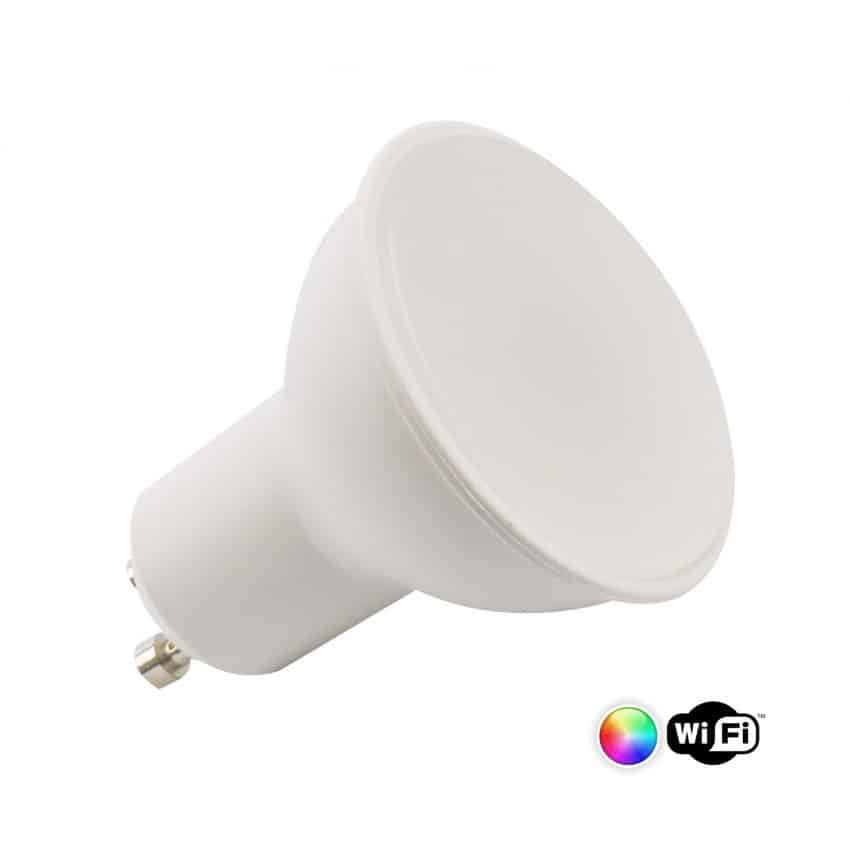
This approach eliminates the compatibility problem entirely. Your switch is just a switch. The bulb handles all the dimming logic. You get smooth, flicker-free dimming every time.
The trade-off is that you need to use the app or voice command to dim. Some people prefer the simplicity of a physical dimmer switch. Others like the flexibility of app control. Choose based on your habits and comfort level.
For rental properties or temporary setups, smart bulbs without a dimmer switch make sense. You avoid rewiring or replacing switches. Plug in the bulbs, connect them to WiFi, and you’re done.
Common Issues and Solutions
Bulb won’t turn on or turns on dimly. The dimmer’s minimum load might be too high for your bulb. Try adding another bulb to the circuit, or switch to a dimmer rated for lower loads. Alternatively, replace the dimmer with one designed for LED use.
Bulb flickers constantly. This almost always means incompatibility between the dimmer and bulb. Check the bulb’s specifications for approved dimmer types. If your dimmer isn’t listed, try a different bulb or replace the dimmer.
Bulb works but won’t dim. Your bulb might not be dimmable, or the dimmer isn’t sending the right signal. Confirm the bulb is rated dimmable. If it is, the dimmer may need adjustment or replacement.
App control works, but physical dimming doesn’t. You’re using a non-dimmable smart bulb with a dimmer switch. Buy a dimmable smart bulb instead.
Smart dimmer doesn’t communicate with bulbs. Check that both devices use the same protocol (WiFi, Zigbee, etc.) and are connected to the same network or hub. Restart both devices and try pairing again.
| Issue | Cause | Fix |
|---|---|---|
| Flickering light | Dimmer incompatible with bulb | Replace with LED-rated dimmer or dimmable smart bulb |
| Won’t turn on | Minimum load too high | Add bulbs to circuit or use lower-load dimmer |
| No dimming effect | Bulb not dimmable | Buy dimmable smart bulb |
| App works, switch doesn’t | Wrong bulb type for dimmer | Use dimmable smart bulb |
| Smart dimmer offline | Protocol mismatch | Verify same WiFi/Zigbee network |
Smart bulbs and dimmers can work beautifully together when you match them correctly. The key is understanding the compatibility rules and choosing products designed to work as a team. If you’re upgrading your lighting, start with dimmable smart bulbs, they’re the safest bet for any switch type.
At Ledlam, we stock dimmable smart bulbs like the 4W GU10 Smart WiFi Dimmable RGBW LED Bulb and compatible smart dimmers including the Lightwave Model L21. Both are available online and at our Basildon Market store. We can also advise on whether your existing switches will work with smart bulbs, or help you choose the right dimmer for your setup. Check out our LED offers today and find the right combination for your home.
Frequently Asked Questions
Can you use smart bulbs with a dimmer switch?
Smart bulbs can work with dimmer switches, but compatibility depends on the bulb type and dimmer model. Wi-Fi-enabled smart bulbs often work best with smart dimmer switches that support their protocol. Traditional leading-edge or trailing-edge dimmers may cause flickering or reduced functionality. For reliable dimming, match your smart bulb with a compatible smart dimmer switch designed for LED technology.
Why does my smart bulb flicker on a dimmer?
Flickering occurs when the dimmer and smart bulb operate on different electrical principles. Older dimmers use leading-edge technology designed for incandescent bulbs, which can’t properly regulate the lower power draw of LEDs. Smart bulbs have built-in drivers that may conflict with this control method. Upgrading to a smart dimmer switch or a dimmable smart bulb specifically rated for your existing dimmer usually resolves the issue.
Can you dim a smart bulb without a dimmer switch?
Yes. Most smart bulbs can be dimmed through their companion mobile app or voice assistant without a physical dimmer switch. Apps like TUYA allow you to adjust brightness, colour temperature, and effects remotely. This is particularly useful if your home has standard on-off switches. However, if you want traditional wall-mounted dimming control, you’ll need to install a compatible smart dimmer switch.
Can a smart bulb be used with a normal light switch?
Smart bulbs work with standard on-off switches, but you lose dimming capability at the wall. The bulb will turn fully on or off without intermediate brightness levels. You can still adjust brightness through the app or voice commands. For full dimming control with a traditional switch, you’d need to replace it with a smart dimmer switch or use app-based control exclusively.