












Smart bulbs for Alexa 2026: A buyer’s guide
Table of Contents
- What makes a smart bulb work with Alexa
- Smart bulbs without a hub: what you need to know
- Dimmable smart bulbs for Alexa: brightness control explained
- Alexa smart bulb setup: getting connected in minutes
- Creating Alexa smart lighting routines for your home
- Common mistakes to avoid when buying smart bulbs
- Frequently Asked Questions
Last Updated: October 17, 2026
What makes a smart bulb work with Alexa
A smart bulb for Alexa is an LED bulb that connects to your home network and responds to voice commands through Amazon’s Alexa system. Unlike traditional bulbs, these connect via WiFi or a compatible hub, letting you control brightness, colour, and scheduling from anywhere.
The key requirement is compatibility. Not every smart bulb works with Alexa, some require proprietary apps or hubs that Alexa can’t access. The best smart bulbs for Alexa 2026 use either direct WiFi connection or work through Alexa-compatible hubs like the Echo Plus or a separate smart home bridge.
At Ledlam, we stock smart bulbs designed specifically for this purpose. Our 4W GU10 Smart WiFi Dimmable RGBW LED Bulb, for example, connects directly via WiFi and integrates seamlessly with Alexa. You control it through the Tuya app, which syncs with Alexa, giving you voice control without needing an additional hub.
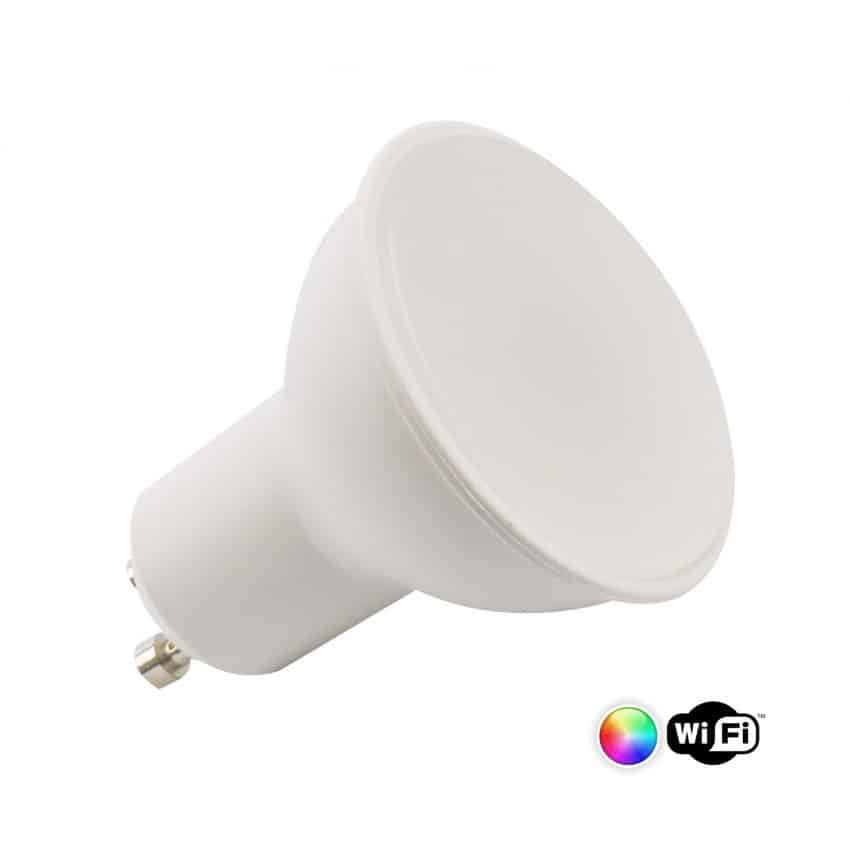
The technology behind this is straightforward: the bulb contains a WiFi chip that communicates with your router, which then connects to Alexa’s servers. When you say “Alexa, dim the lights to 50 percent,” the command travels to the cloud, back down to your bulb, and executes within seconds. This is why a reliable internet connection matters, weak WiFi means sluggish responses or dropped connections.
Pro Tip
Check your router’s 2.4GHz band before buying. Most smart bulbs use 2.4GHz, not the faster 5GHz. If your router only broadcasts 5GHz, the bulb won’t connect at all.
Check your router’s 2.4GHz band before buying. Most smart bulbs use 2.4GHz, not the faster 5GHz. If your router only broadcasts 5GHz, the bulb won’t connect at all.
Smart bulbs without a hub: what you need to know
Many people assume all smart bulbs need a separate hub sitting on a shelf. The reality is simpler: direct WiFi smart bulbs work standalone, connecting straight to your home network without any intermediary device.
This is where the best smart bulbs for Alexa shine. WiFi-enabled models eliminate the extra hardware, the setup complexity, and the cost. You buy the bulb, screw it in, connect it to your network through the app, and link it to Alexa. Done.
However, there’s a trade-off. Hub-based systems, using protocols like Zigbee or Z-Wave, often offer better reliability and lower latency because they create a mesh network. Bulbs talk to the hub, which talks to Alexa, which is faster than WiFi alone. For most homes, though, direct WiFi is fast enough and more convenient.
The other advantage of hub-free bulbs is cost. You’re not paying for a separate device. Our 4W GU10 Smart WiFi Dimmable RGBW LED Bulb costs £10.99 and requires nothing but the bulb itself. Compare that to systems where you need to buy a hub separately, and the savings add up quickly.
One thing to watch: WiFi bulbs can be more prone to disconnection if your network is unstable. If you have dead zones in your home or spotty coverage, a hub-based system might be more reliable. But for most households with decent WiFi, direct connection works brilliantly.
Watch Out
Do not assume all smart bulbs sold as “Alexa compatible” connect directly via WiFi. Some require a hub that you must purchase separately. Always check the product specifications before buying.
Do not assume all smart bulbs sold as “Alexa compatible” connect directly via WiFi. Some require a hub that you must purchase separately. Always check the product specifications before buying.
Dimmable smart bulbs for Alexa: brightness control explained
Dimmable smart bulbs let you adjust brightness from 1 to 100 percent, either through voice commands or the app. This is more flexible than on-off bulbs and opens up possibilities for creating different moods and routines throughout the day.
The best smart bulbs for Alexa 2026 include dimming as standard. When you say “Alexa, set the kitchen light to 30 percent,” the bulb adjusts instantly. You can also set schedules, say, gradually brightening lights at 7 AM to wake you gently, then dimming at sunset.
Dimmable bulbs work by controlling the amount of electrical current flowing to the LED. This is different from old incandescent dimming, where reducing power simply made the bulb dimmer. LED dimming is more complex because LEDs are more sensitive to voltage changes. Quality dimmable LEDs (like our 4W GU10 Smart WiFi Dimmable RGBW LED Bulb) handle this electronically, ensuring smooth dimming without flickering.
Colour temperature adjustment is another feature of many dimmable smart bulbs. You can shift from warm white (2800K) to cool white (6500K) depending on the time of day or your preference. Warm light in the evening helps your body wind down; cool light in the morning boosts alertness.
The practical benefit: you’re not buying multiple bulbs for different scenarios. One dimmable smart bulb replaces several traditional bulbs, which saves money and reduces waste. For Alexa users, dimming via voice is intuitive, no fiddling with physical switches or apps for simple adjustments.
Key Takeaway
Dimming reduces energy consumption further. A bulb running at 50 percent brightness uses roughly half the power. Over a year, this compounds into meaningful electricity savings.
Dimming reduces energy consumption further. A bulb running at 50 percent brightness uses roughly half the power. Over a year, this compounds into meaningful electricity savings.
Alexa smart bulb setup: getting connected in minutes
Setting up a smart bulb for Alexa is straightforward, but the order matters. Most people rush and end up frustrated by connection failures. Here’s the right approach.
First, turn off power to the light fixture. Screw in the bulb, then turn power back on. Wait 30 seconds for the bulb to initialise, you’ll see it flash or stabilise. This is important; don’t skip it.
Next, download the Tuya app (available on iOS and Android). Create an account if you don’t have one. Open the app, tap “Add Device,” and select your bulb type. The app will search for available devices on your WiFi network. Select your bulb when it appears.
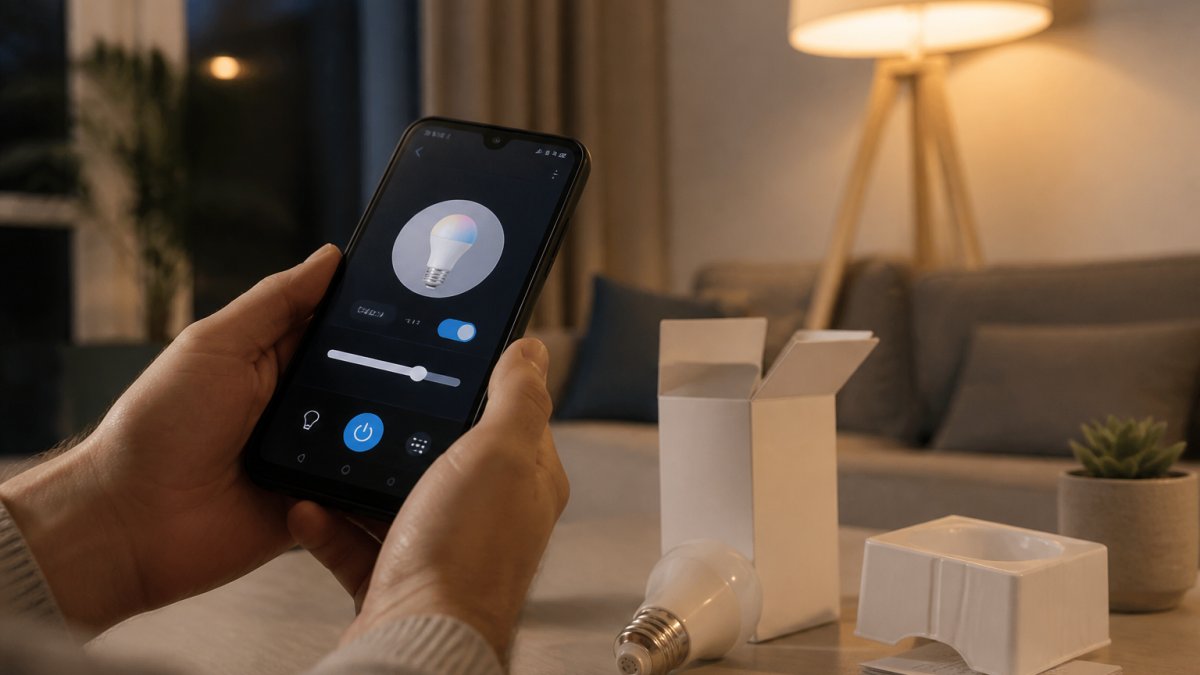
Once the bulb is added to Tuya, you’ll see it in your device list. Now open the Alexa app on your phone. Go to “Devices,” tap the plus icon, and select “Add Device.” Choose “Light,” then “Other,” and search for your bulb by name. Alexa will find it through the Tuya integration.
Test a voice command: “Alexa, turn on the [bulb name].” If it responds, you’re done. If it doesn’t, check that both apps show the bulb as connected and that your WiFi is stable.
A common mistake is trying to connect the bulb directly to Alexa without using Tuya first. This won’t work, the bulb needs to be in the Tuya ecosystem before Alexa can see it. Think of Tuya as the middleman that translates between the bulb and Alexa.
If you’re setting up multiple bulbs, name them clearly in the Tuya app: “Kitchen Main,” “Bedroom Left,” “Lounge Corner.” This makes voice commands unambiguous and prevents Alexa from getting confused.
4W GU10 Smart WiFi Dimmable RGBW LED Bulb →
Creating Alexa smart lighting routines for your home
Routines are where smart bulbs truly shine. Instead of controlling lights individually, you create sequences that run automatically or on command. A morning routine might gradually brighten your bedroom lights, turn on the kitchen light, and adjust the hall light to 50 percent, all with a single voice command or at a preset time.
To create a routine in Alexa, open the app and go to “Routines.” Tap the plus icon and name your routine (e.g., “Good Morning”). Set a trigger, this could be a time, a voice command, or a specific event like your alarm going off.
Next, add actions. Select “Lights,” then choose which bulbs to control and what to do with them. You can set brightness levels, colours, and timing. For example: “Bedroom light to 10% brightness at 6:55 AM, increase to 100% by 7:00 AM.”
The real power emerges when you combine multiple bulbs and other smart devices. An “Arriving Home” routine could turn on your hallway light, set the lounge to warm white at 70 percent, and adjust the kitchen light to full brightness. One voice command, “Alexa, I’m home”, handles everything.
Routines also work without voice. You can set them to run automatically at specific times. A “Bedtime” routine might dim all lights to 10 percent at 10:30 PM, then turn them off at 11:00 PM. This is especially useful for consistency, your home adjusts itself without you thinking about it.
The limitation: routines work best when all your bulbs use the same system or are compatible with Alexa. Mixing incompatible bulbs means managing them separately, which defeats the purpose. This is why choosing Alexa-compatible bulbs from the start matters.
Common mistakes to avoid when buying smart bulbs
Buying the wrong smart bulb is frustrating and wasteful. Here are the pitfalls people hit most often.
Assuming all “smart” bulbs work with Alexa. They don’t. Some use proprietary apps with no Alexa integration. Always check compatibility before purchasing. Look for “Works with Alexa” badges or explicit compatibility statements.
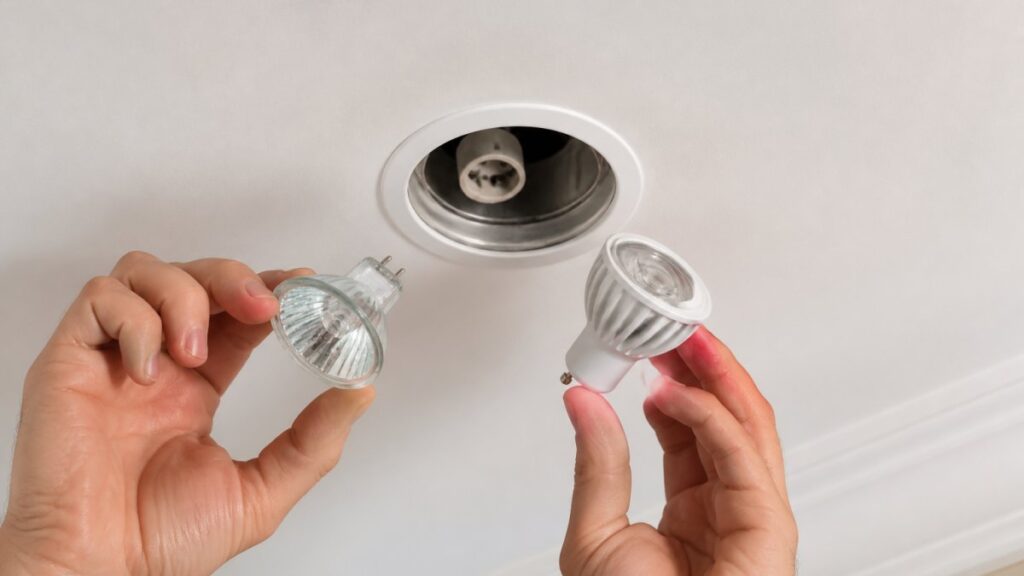
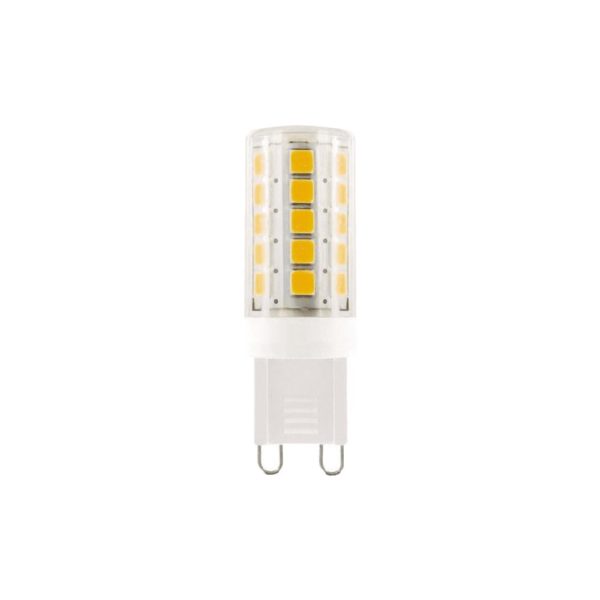
Ignoring your current light fittings. Smart bulbs come in different bases: E27, E14, GU10, B22. If your fitting is GU10 and you buy E27, it won’t fit. Measure or check your existing bulbs before ordering.
Buying too many at once without testing. Start with one or two bulbs in high-use areas. If they work well and you like the system, expand. This approach saves money if you discover the setup isn’t for you.
Overlooking WiFi strength. Smart bulbs need decent WiFi signal. If your router is three rooms away or blocked by walls, the bulb might disconnect frequently. Consider your home’s WiFi coverage before investing heavily.
Choosing the cheapest option. Budget smart bulbs sometimes have poor app stability, inconsistent dimming, or frequent disconnections. Spending a bit more on reliable bulbs (like our 4W GU10 Smart WiFi Dimmable RGBW LED Bulb at £10.99) saves frustration and replacement costs later.
Not reading the specifications. Some bulbs are dimmable only through the app, not through Alexa voice commands. Others don’t support colour adjustment. Check what features matter to you and verify the bulb offers them.
Watch Out
Smart bulbs are not interchangeable with traditional bulbs in all fixtures. Some dimmers, motion sensors, and older wiring can cause flickering or prevent the bulb from connecting. Test compatibility in one fixture first.
Smart bulbs are not interchangeable with traditional bulbs in all fixtures. Some dimmers, motion sensors, and older wiring can cause flickering or prevent the bulb from connecting. Test compatibility in one fixture first.
Choosing the right smart bulb for Alexa comes down to compatibility, reliability, and your specific needs. The best smart bulbs for Alexa 2026 connect directly via WiFi, support dimming and colour adjustment, and integrate smoothly with Alexa routines.
At Ledlam, we’ve selected products that deliver on these essentials without unnecessary complexity. Our 4W GU10 Smart WiFi Dimmable RGBW LED Bulb offers direct WiFi connection, full dimming control, colour temperature adjustment from 2800K to 6500K, and seamless Alexa integration, all at a competitive price. It’s energy-efficient, replacing traditional halogen bulbs with up to 80% power savings, and works in standard GU10 fittings.
Ready to upgrade your home? Check out our 4W GU10 Smart WiFi Dimmable RGBW LED Bulb today, or browse our full range of smart lighting solutions. You can order online for delivery or visit our Basildon Market shop for expert advice in person.
Frequently Asked Questions
Do smart bulbs for Alexa need a hub to work?
Not all smart bulbs need a hub. WiFi-enabled smart bulbs connect directly to your home network and work with Alexa without additional hardware. Some Bluetooth bulbs require an Echo device with Bluetooth capability. Check the product specifications before buying to confirm whether a hub is needed for your setup.
Can I dim any smart bulb with Alexa?
Only dimmable smart bulbs for Alexa support brightness control. Standard smart bulbs turn on and off but cannot adjust brightness. Look for the word ‘dimmable’ in the product description. Dimmable models let you say ‘Alexa, set the lounge to 50% brightness’ for precise control over your lighting.
How do I set up a smart bulb with Alexa?
Most WiFi smart bulbs use the Tuya app for initial configuration. Download the app, create an account, add your bulb by scanning its code, and connect it to your WiFi network. Then link the Tuya app to Alexa through the Alexa app. Once paired, you can control the bulb by voice or app. Setup typically takes 5-10 minutes.
What should I check before buying an Alexa smart bulb?
Verify the bulb’s socket type (GU10, E27, etc.) matches your fittings, confirm it’s WiFi or Bluetooth compatible with Alexa, check whether it’s dimmable if you need brightness control, and review colour temperature options (warm white to cool white). Also confirm the app used for setup and whether any additional hub or bridge is required for your Echo device.